
Swift solution to export Lotus Notes NSF files to Outlook PST
A special tool to switch from Lotus Notes to MS Outlook (NSF file to PST)
Capable to Migrate without Any Error
This is a truly reliable tool. It maintains data accuracy by migrating entire text and properties including CC, BCC, To and From. The converted data structure is not remained unchanged. It is the one that you can use it multiple times and each time the result is accurate.
Capable to Meet Your Requirements
The NSF to PST Conversion app supports conversion as per your requirements. Each time the conversion result is provided to meet your expectations. The utility follows your command for migration. It is easy to achieve accurate migration with this app.
Easy to Operate
This is a lightweight app. Users can become skilled to operate the app in just 1 or 2 trials. It supports quick migration by holding a few simple steps which users can easily keep in mind. The converter needs no deep technical guidance.
This app makes conversion according to your desire by exporting only the specified NSF files. It scans only selected NSF files for accurate migration. The deep file filtration feature gives permission to browse any folder in your computer to convert NSF to PST. Thus, the conversion result you get every time is as per your expectations.
This is a reliable app. The data conversion is so accurate. It seems you have only changed the file format. Whole content body is preserved including all email components like CC, BCC, To, From and attachments. The tool causes no damage to your data. It preserves originality of NSF files by allowing safe migration every time. You can rely on the app.
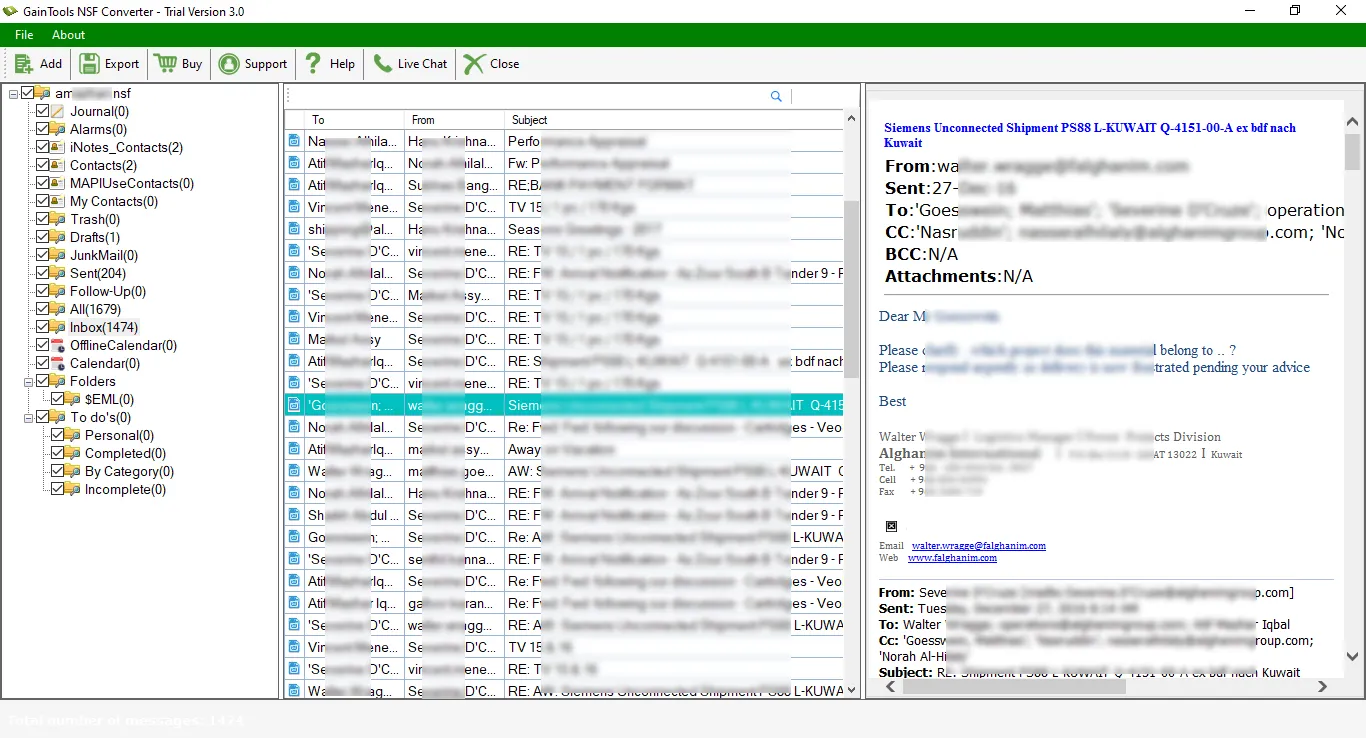
As you select a required NSF file for migration, the utility shows a clean preview of the file effortlessly. It has 3 standard panels to feature preview. The first shows the number of folders, the next panel shows the number items a folder holds and there is a panel to show the content an item holds.
The sophisticated app enables users to customize migration process. It means you can export only selected NSF file and capable to extract only those NSF folders that you think necessary. For example, if you want to extract inbox of the selected NSF file, select this folder for migration. The tool observes the data you would actually like to migrate. It gives higher level customization support.
This cool app is simple to operate. The NSF mailbox to PST migration process is just a few steps away from you with this converter. The wizard has been designed in a simple manner. You can easily understand the next steps you need to follow for successful migration. The utility doesn’t need technical assistance. Though, GainTools offers 24 hour support.
GainTools has introduced two version of the app- individual and commercial. The purpose of the launch is to meet your needs. Small scale to big organizations, all can apply for commercial version. It fits to the needs of healthcare, hospitality, education, IT and finance organizations. It is easy to setup the conversion on multiple computers.
What are you waiting for? Download the demo version of Exporter NSF to PST to examine its efficiency. This is 30 days free trial with limited conversion feature. At one time, you can export 10 emails per NSF folder. The demo works same as the paid version of the app works. We request users to downloading first the free demo version and then switch to its licence.
This is app has been developed in the advance algorithm as the app integrates with all the latest versions of Windows including 10, 8, XP and Vista. You can feel comfortable to run the app on any latest versions of Windows. In addition, the utility migrates NSF files of any Lotus Notes version. It allows you to access the exported PST file to any MS Outlook file format including 2003, 2007, 2010, 2013 and 2016.
GainTools NSF to PST Converter offers only counted steps to export the NSF file to PST.
Firstly, download and install NSF to PST Converter on your system.
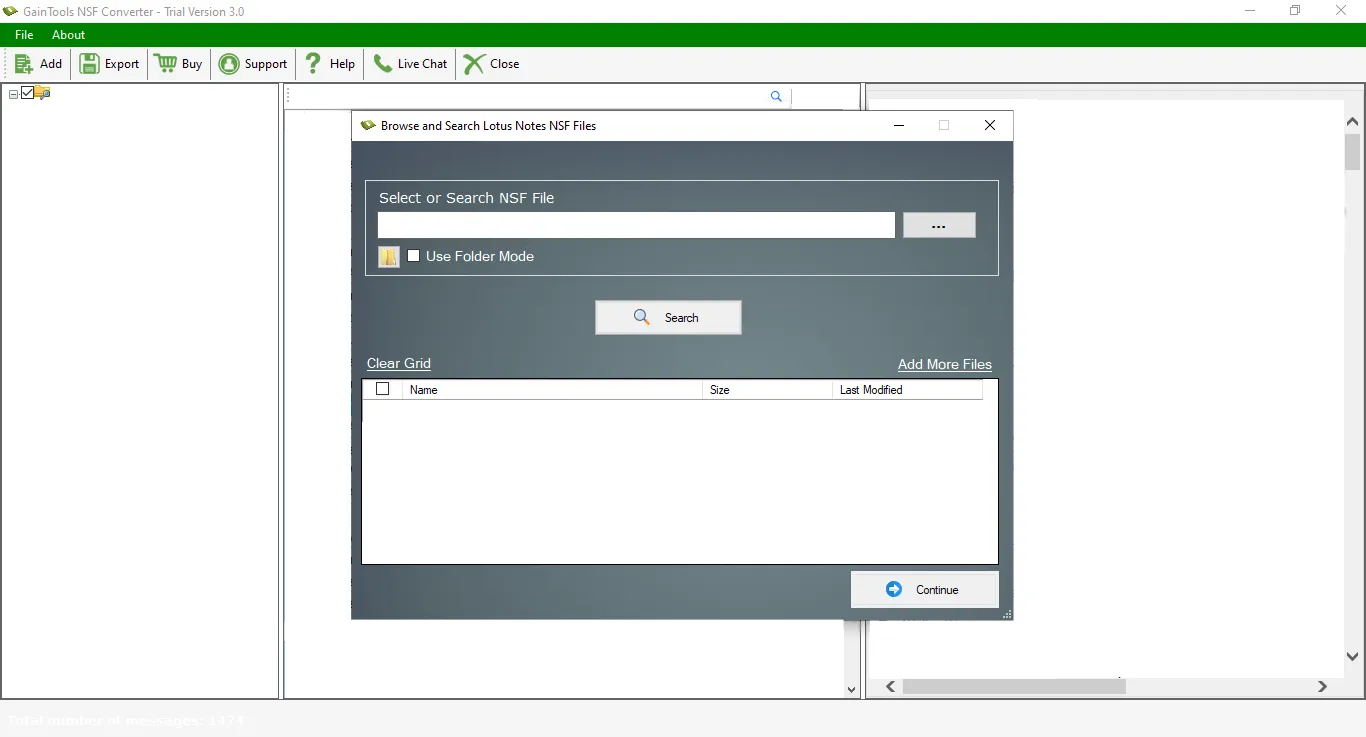
Go to the Browse button and add Lotus Notes extracted NSF files.
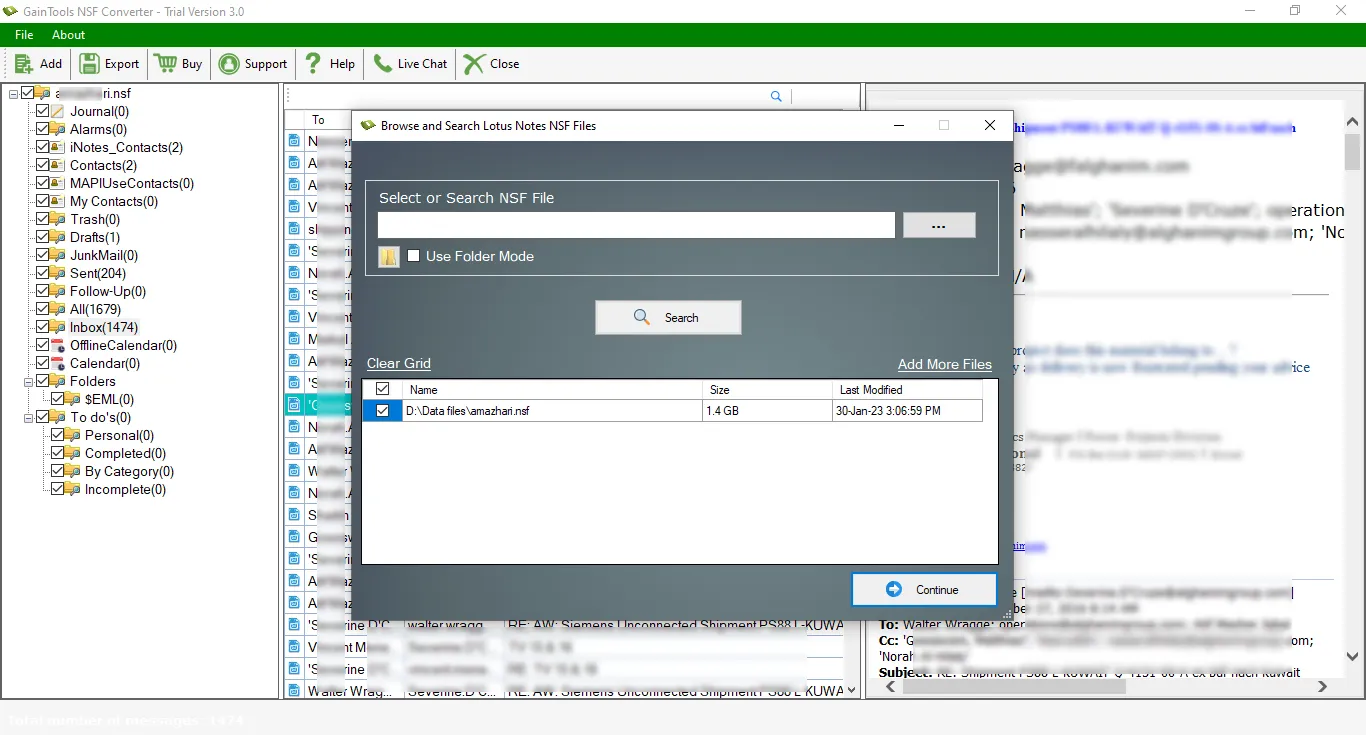
Once NSF file is scanned, get a complete view of NSF. Also, select the items to export NSF file.
Select ‘Convert to PST’ in Export Type.
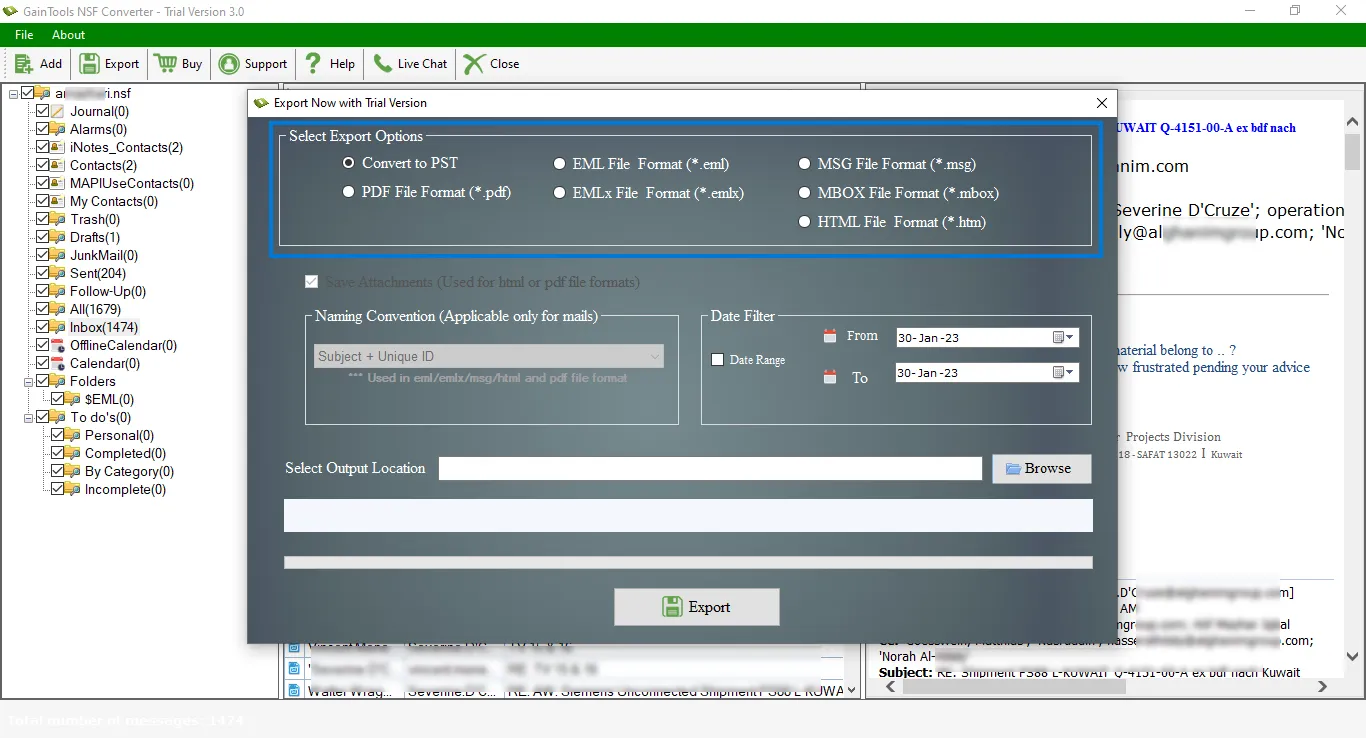
Now, choose the Browse button to select a destination path to save the PST file.
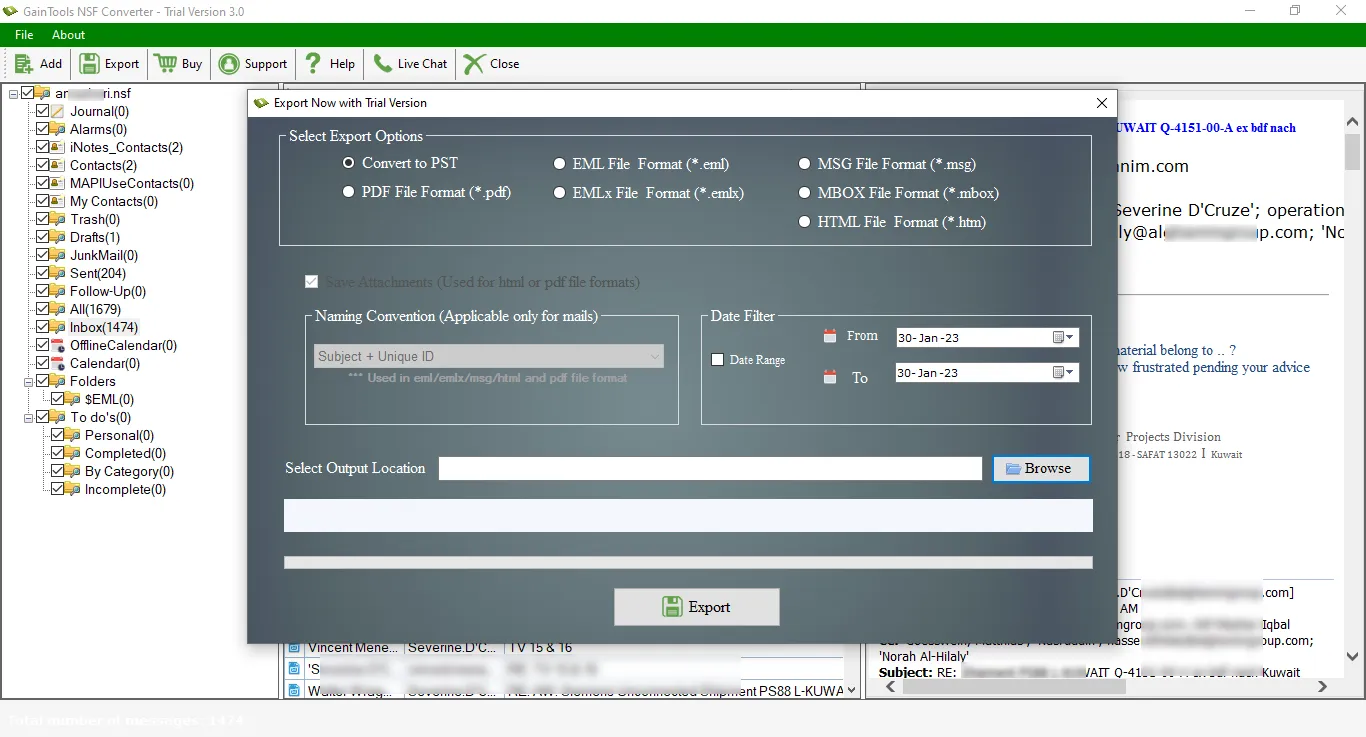
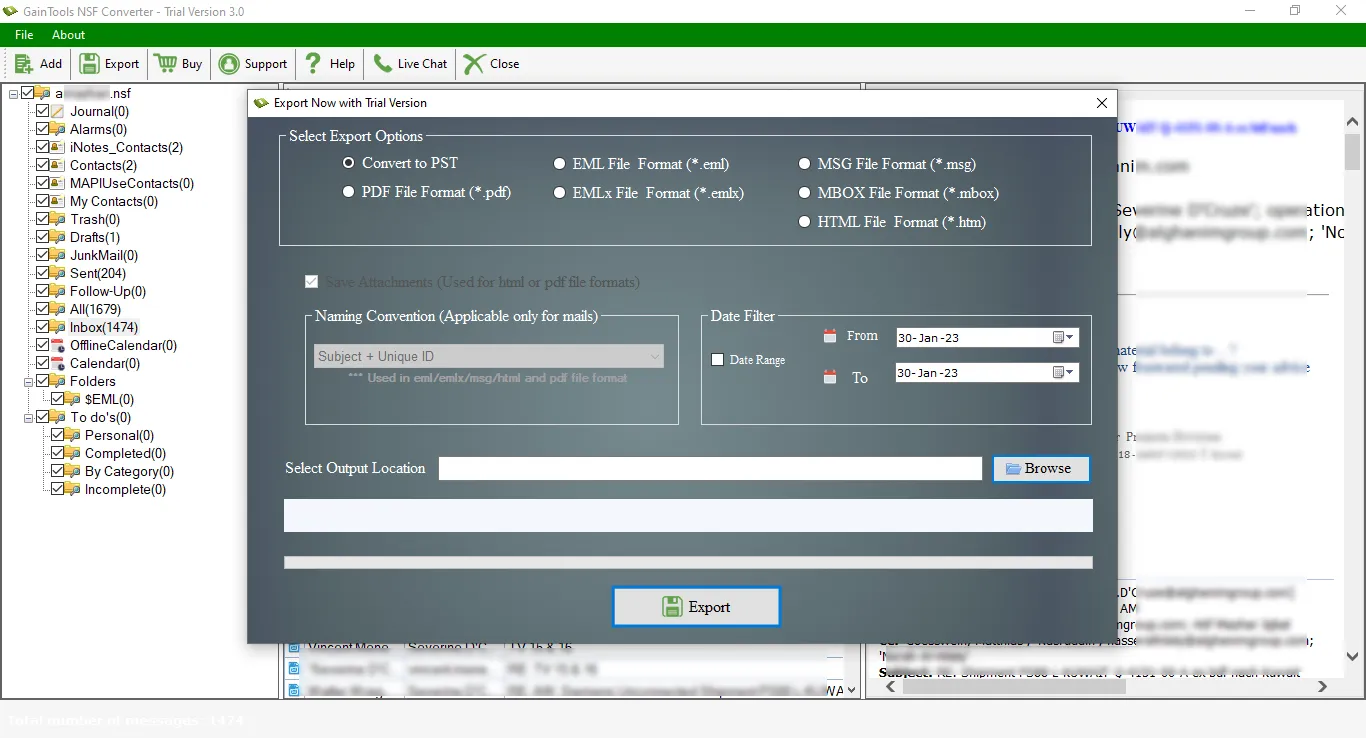
At last, hit the Convert Now button to start the conversion process.
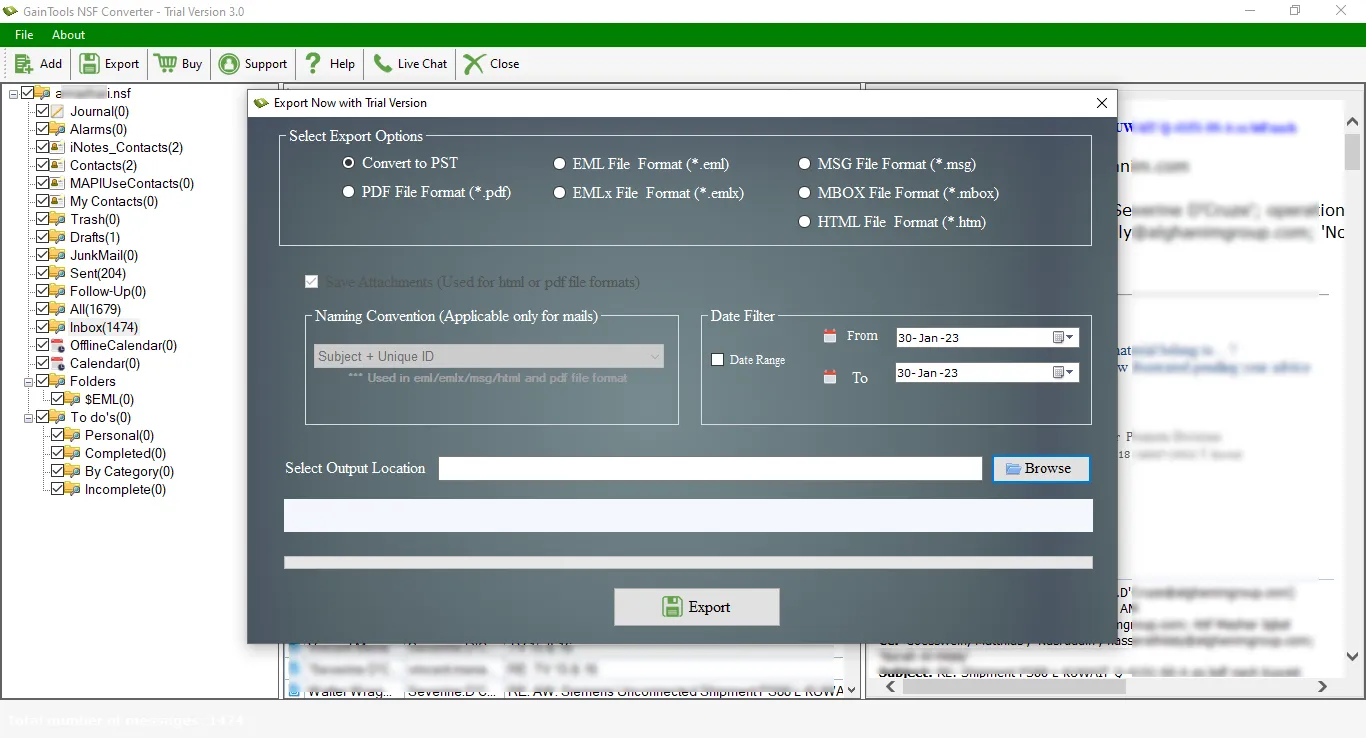
(Note: It is compulsory to install Lotus Notes in the system to export NSF files)
Know Minimum System Specifications to Download & Use the NSF to PST Conversion App with Ease
Download a Trial - Take the tool to evaluate by converting 10 emails from each NSF folder.
I have my important emails in the Inbox folder of Lotus Notes application. When I moved to MS Outlook, I found need to export Inbox folder of Lotus Notes to Outlook. NSF to PST Converter helped me to export the selected folder and I am happy that the tool exports the desired folder as per my instructions.
Lilly Martin Armenia
A highly flexible application by which the migration of IBM Notes data to PST becomes so easy for me. After providing a full preview of the NSF file, I checked all my data before the migration and later on exported the data in a smooth manner.
George Harris Belarus
I faced no trouble in exporting the complete data of IBM Notes to MS Outlook. 100% safe and secure way to migrate the database.
Mark Wood Cameroon