


+
First of all, download OST Viewer and install it properly on your system.
+
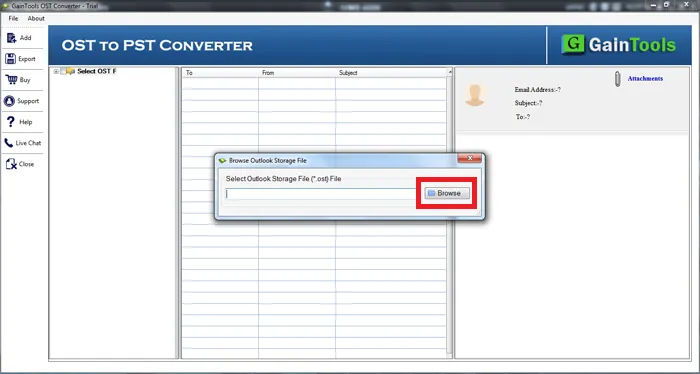
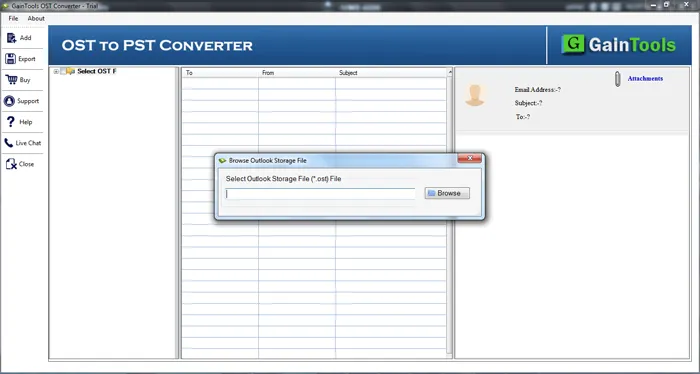
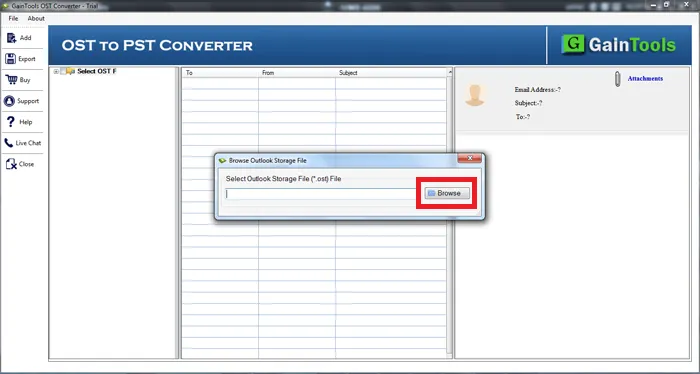
The next step is to add OST file that you want to open in absence of Outlook. Click on the Browse button and add OST file of any size without any issues.
+
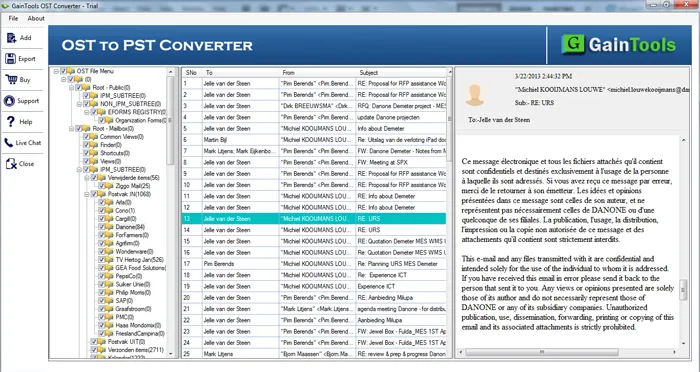
Once OST file is added, the software completely scans the file and provides complete details of the OST file. A tree-view is provided on the left side with all folders and subfolders of OST file. You can select the desired folder and view it.