


+
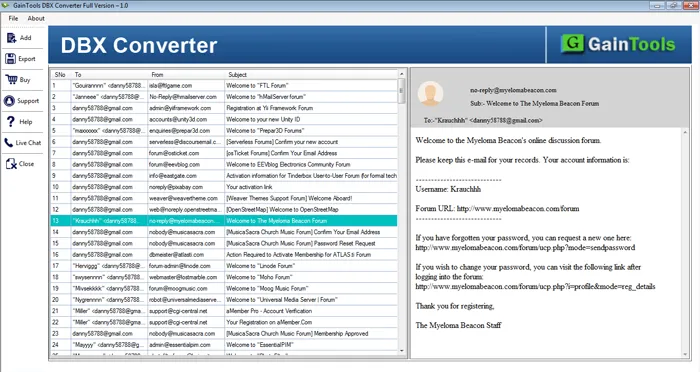
The basic step is to install and run the application on your system.
+
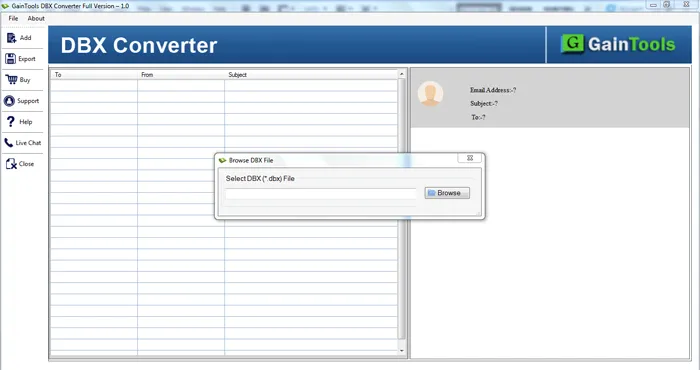
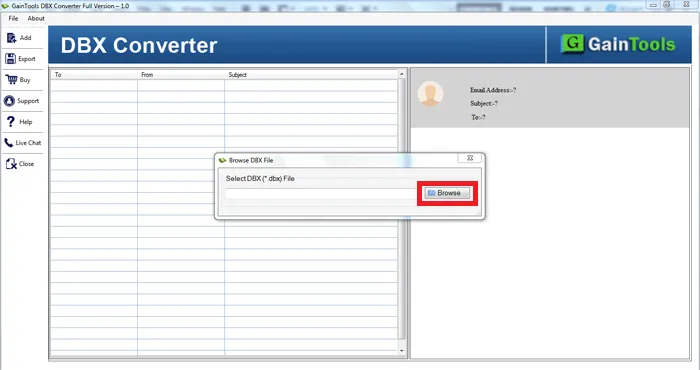
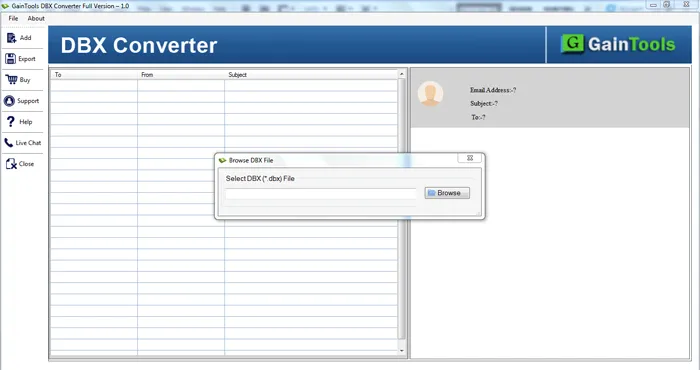
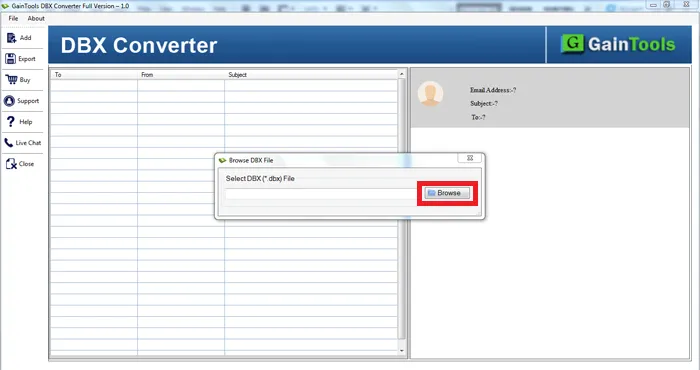
The next step is to add Outlook Express DBX files using the Browse button. You can easily add any size DBX file.
+
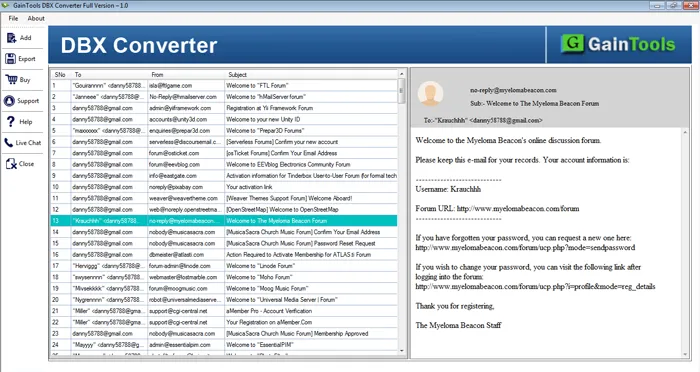
Once the DBX file is added on the software panel, the utility first scans the selected Outlook Express DBX files and then the tool displays a complete list of emails of Outlook Express DBX file.