
Trouble-free migration of NSF file to EML file format
A simple conversion app makes migration smooth & uninterrupted
Export Data Smoothly
This export tool is highly interactive. Data conversion doesn’t stop till it is complete. The file size doesn’t come in the way of migration. Export process lasts in just a few minutes.
Intact Quality
The quality of data is managed and integrated every time. The NSF to EML utility keeps all text, properties, folder and items of Lotus Notes intact. The program has been tested for quality. Users can rely on it.
Free Conversion Trial
Feel comfortable to try the free trial of the app! The conversion works exactly the paid version. The free version allows you to practically experience the conversion program. It helps avoid the issue of returning the product or it is not the way I was expecting.
This NSF to EML migration app is a straightforward tool. It is not going to test your technical skill. The converter carries a few simple and easy to understand buttons to achieve migration effortlessly. GainTools has kept the windows of the app simple and interactive. The windows tells about the steps you need to follow.
This converter application allows you to achieve conversion with full accuracy. Use it for 2 times or two thousand times, each time it offers accurate migration. The utility reads all the email elements like CC, BCC, To and From. It scans all the folders of NSF files including all the items to help you achieve error free migration. This is a reliable converter.
This NSF to EML Converter asks you to upload the NSF file that you like to export into EML format. It has a manual search feature that offers deep file filter assistance. A certain NSF file is located from local folders of your computer. Open any folder and drive to locate the particular Lotus Notes file.
Data management can be tricky if the tool saves a newly created EML file without asking you the location. You may have to put extra effort to locate a particular converted file. So, the tool has been designed intelligently. It asks you to set the output location which can be a new folder or an already existed folder.
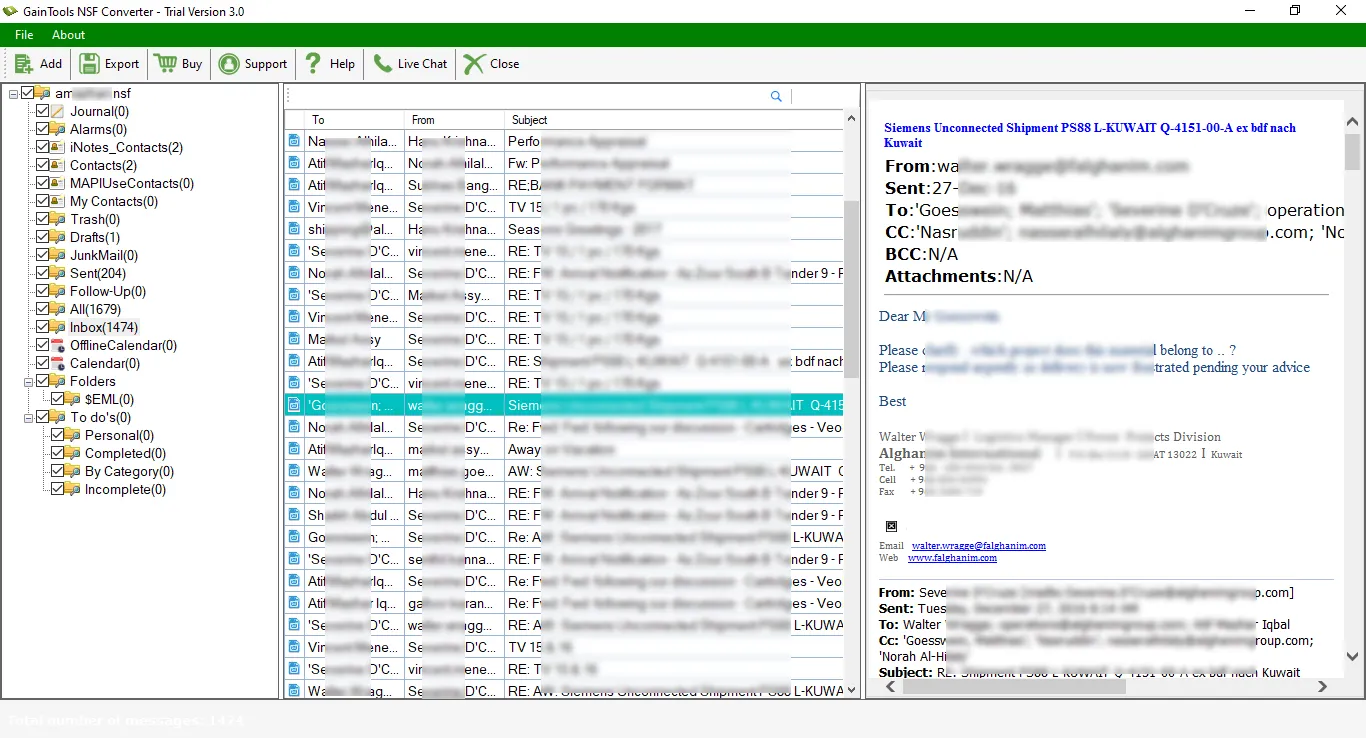
This exporter NSF files to EML gives users a clear preview of the selected NSF file. It shows preview in a systematic manner. The window of the app has separate boxes to show clear preview. The one pane shows the number of folders, the other shows the number of items in each folder and one more panel shows the body of the item including text, CC, BCC etc…
With this conversion program you can easily plan to switch from Lotus Notes to Thunderbird, Lotus Notes to Apple Mail, Lotus Notes to WLM and multiple other platforms. EML is a versatile file extension that is read in multiple email clients. So with the exporter NSF emails to EML, you can easily plan to change your email platform.
Considering requirements of users, this app has been launched into 2 versions- Commercial & Personal. The commercial version is well suitable for big to small firms. The individual version is cheaper than commercial version. License of commercial version of the app allows you to install this superfast program on multiple Windows computer.
Get ready to install free NSF to EML Converter utility at your Windows based app. The demo version helps examining the tool closely. You can able to take the decision of purchasing the app or not. This is a 30-day free trial. The license of the app is ordered online if the trial version satisfies you.
There are only a few steps to export NSF file to EML format.
The very beginning step is to download and install NSF to EML Converter on your system.
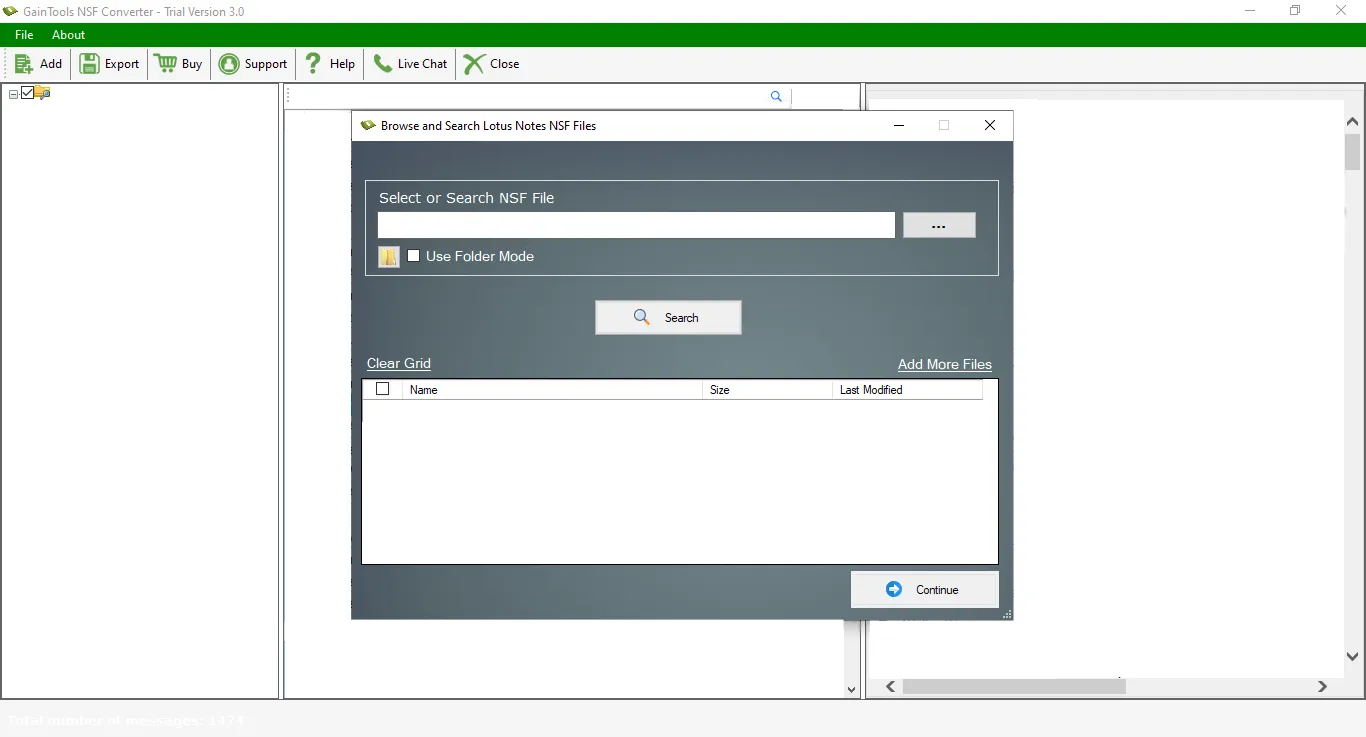
The second step is to add NSF file using the Browse button, whom you want to convert.
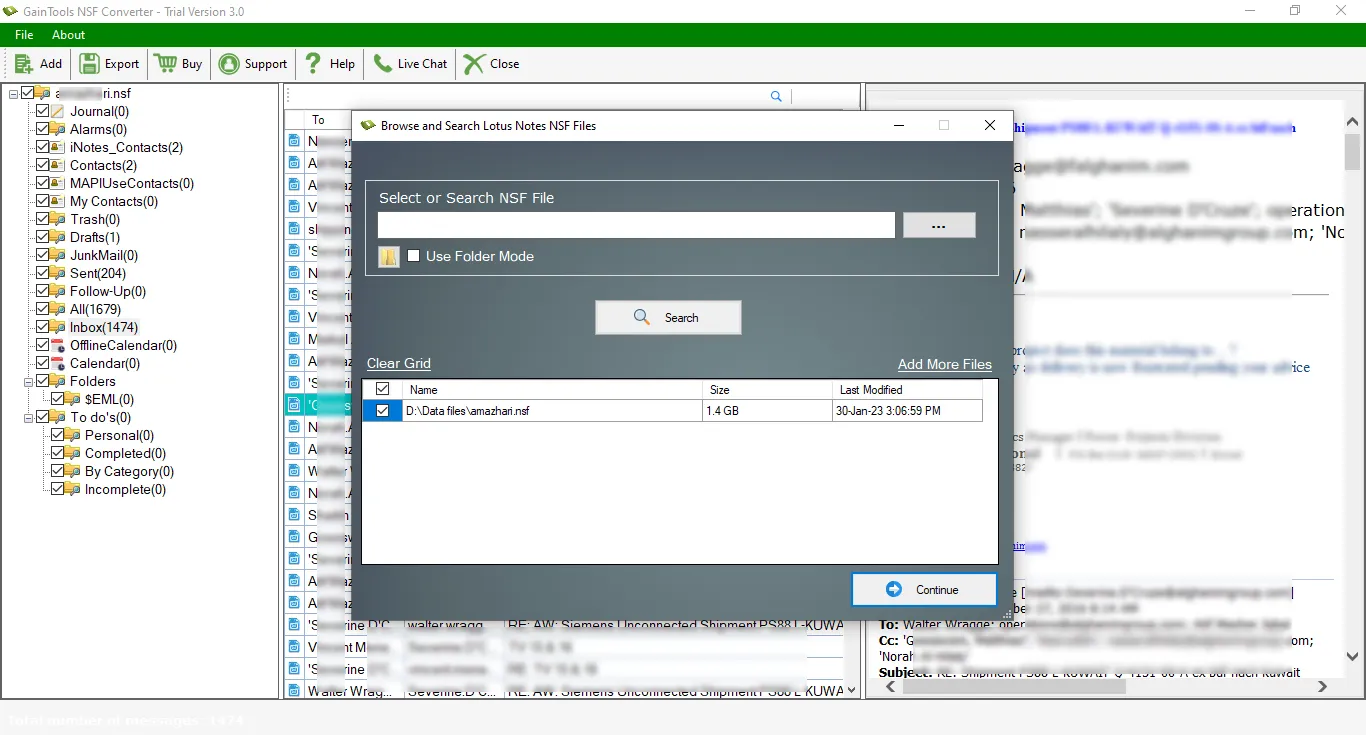
Get a complete preview of the NSF file. Here, users can get complete details of Lotus Notes NSF file.
Select EML file format in Export Type.
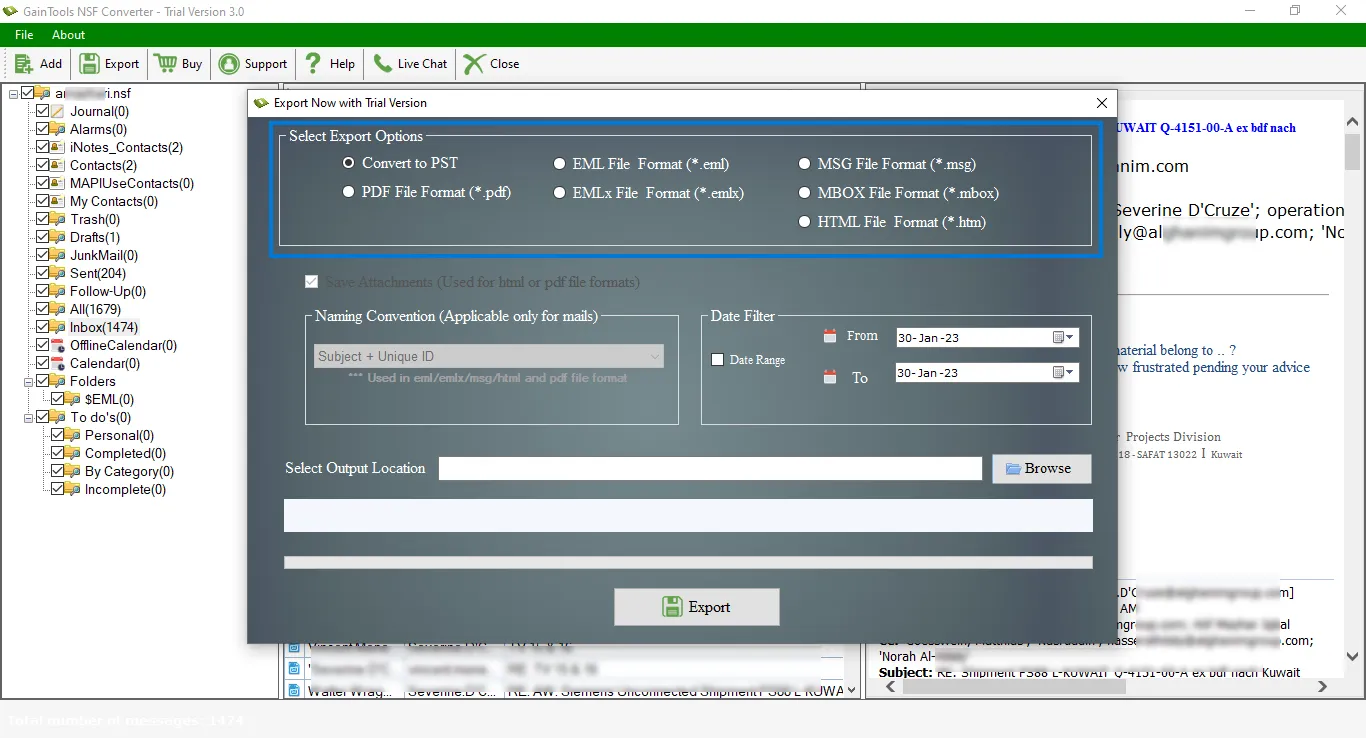
Pick a location of your system to save the exported EML files.
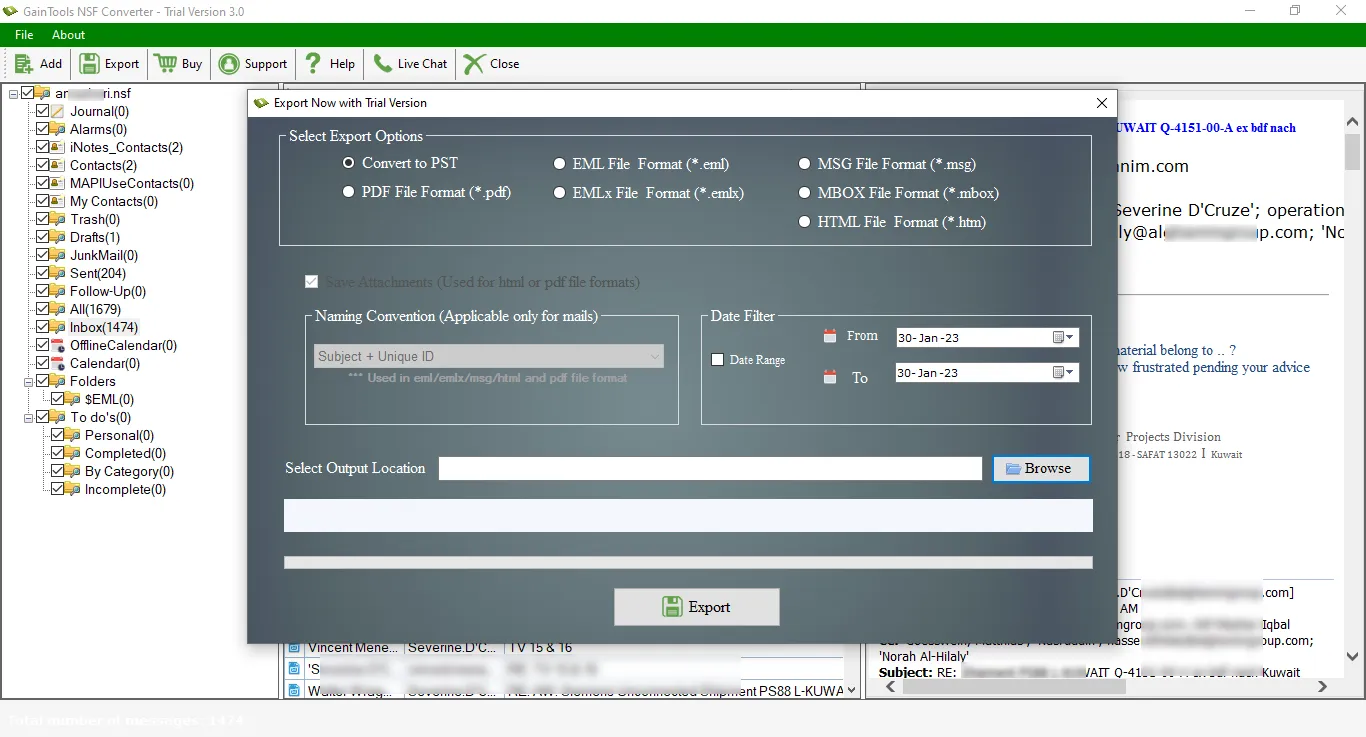
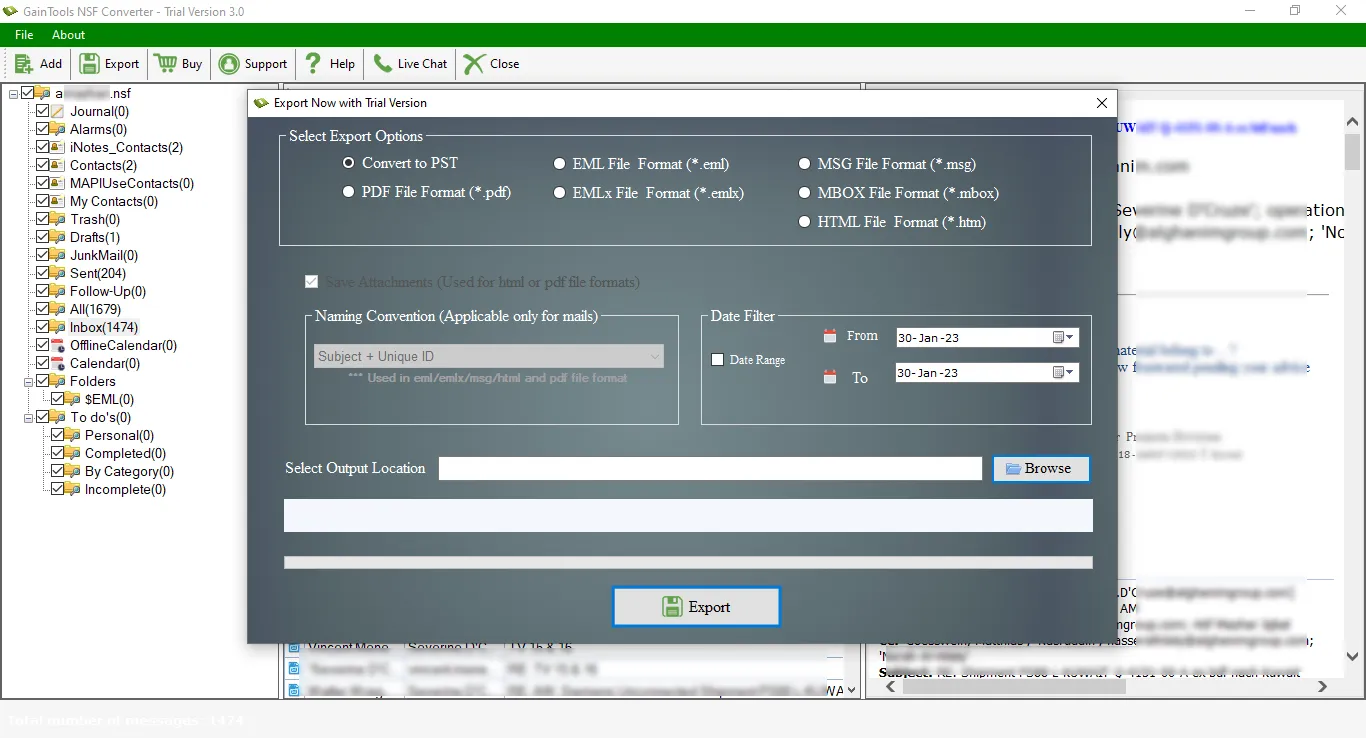
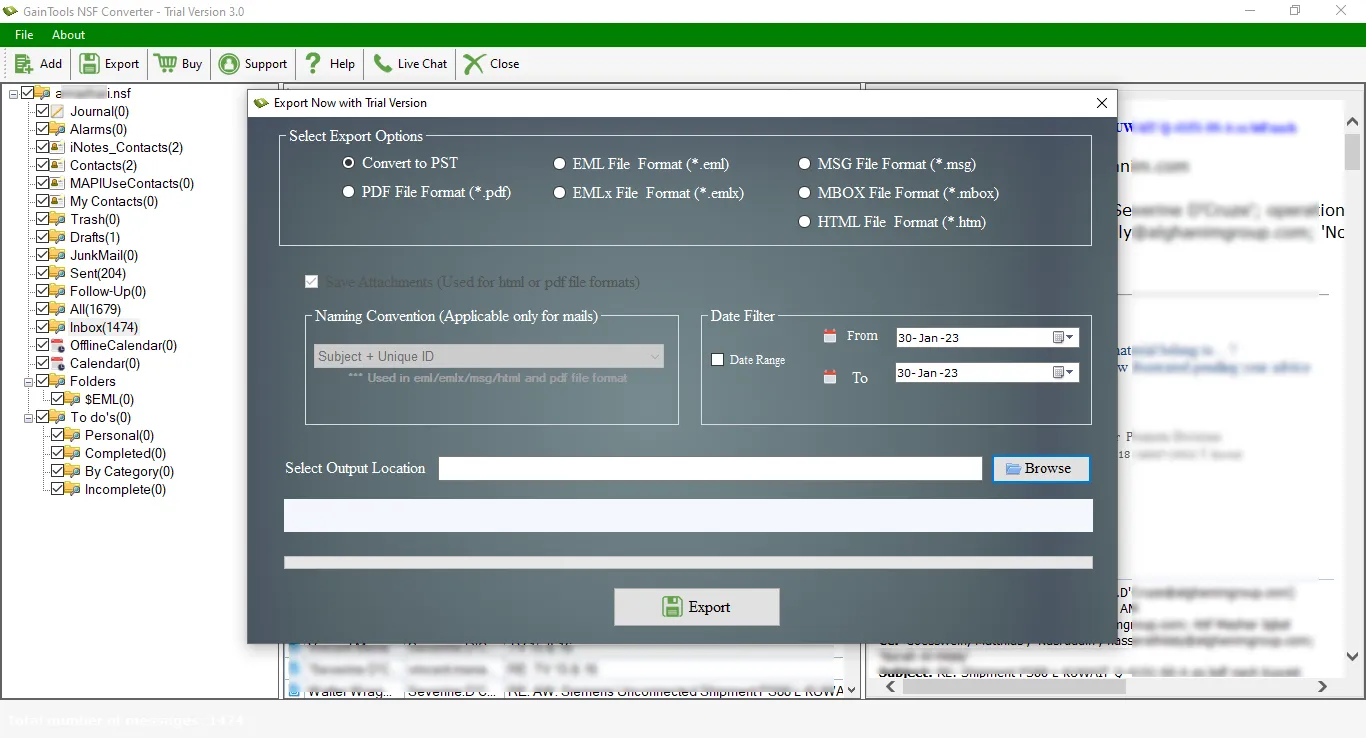
Now, click on the Convert Now button to start the process of conversion.
(Note: It is compulsory to install Lotus Notes in the system to export NSF files)
Know Minimum System Specifications to Download & Use the NSF to EML Converter App with Ease
Download a Trial - Take the tool to evaluate by converting 10 emails from each NSF folder.
My experience with NSF to EML Converter is really amazing with a little investment in this tool. It easily exported all the data from Lotus Notes to EML file format with few simple clicks.
Jack Oliver Canada
This tool is brilliant. It was like a blessing for me when I got irritated by searching a solution to export NSF file to EML file format.
Sharen Clarke Denmark
When I switched to Windows Live Mail from Lotus Notes, to migrate the complete data I used NSF to EML Converter. I liked many features of this tool like selected data conversion facility, no size limitations, fast conversion rate, etc. So, I would recommend this application to the users.
Ian Jackson USA