
A smart approach to export EML files to MBOX file format
Find easy, fast & accurate migration results from EML to MBOX
A Reliable Application
The EML to MBOX Exporter is a reliable utility. It has been evaluated for quality results. No matter how big the file size, the software reads it to provide accurate results each time.
No Expiry of License
Convert EML file to MBOX file as long as you wish. The tool has no expiry date. It provides migration assistance as long as you wish. There is no limit set for exporting data.
Bulk Migration Assistance
Export not just one but also multiple EML files all together. The bulk migration assistance saves time. It gives the same accuracy while you export one EML file. It makes conversion hassle free.
With this prominent program users can find smooth and simple conversion assistance. There is no need to follow a lengthy process to convert EML to MBOX. The utility is a shortcut to migrate EML data entirely to MBOX file format.
The command of conversion is in your hand. You will direct the direct to pick an EML file that you want to export to MBOX. For this there is a filter button. It helps to browse locally to locate the specific EML file for conversion.
When it comes to select EML files for migration, the tool supports 2 ways to filter data. You can select a folder holding EML files or select EML file one after one. Either way is safe to go with. Migration result is always accurate.
The feature makes conversion hassle free because here you are allowed to export not just one but also multiple EML files all together. Select 2, 3, 4, or more EML files to install in the app all together and get them convert to MBOX.
The utility saves EML to MBOX file in just a few minutes and the file location of the newly built MBOX file is in the local computer. Select any folder or sub-folder to save data. You can also create a new folder to save the newly built MBOX file.
The software takes care of your converted data. No file goes missing and no content is altered. The utility reads each component of EML files including meta properties, contacts, address, journals, notes etc… The database quality is intact and accurate.
EML to MBOX Converter offers few simple steps to complete the conversion.
The first step is to install the application and run it.
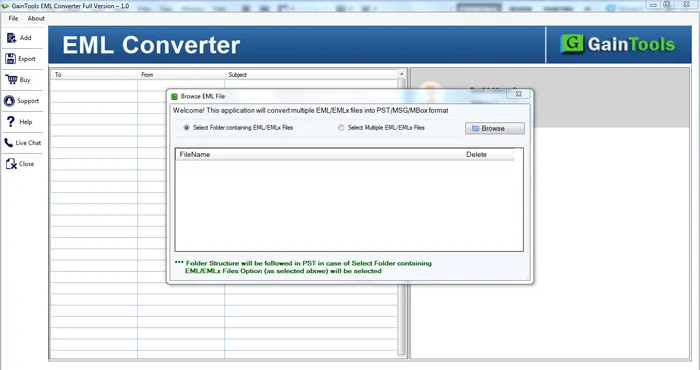
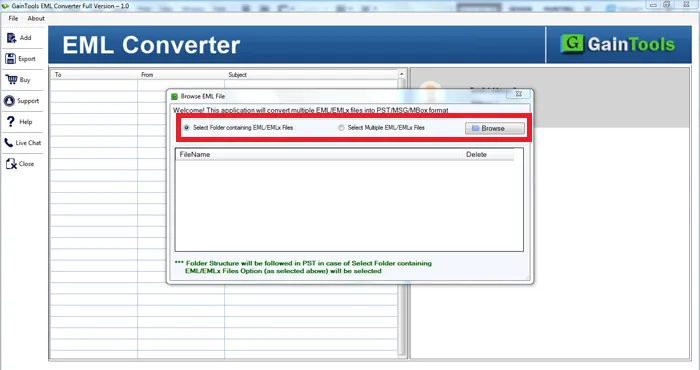
Choose either Folder or File mode. Then. Add EML files with the help of the Browse button.
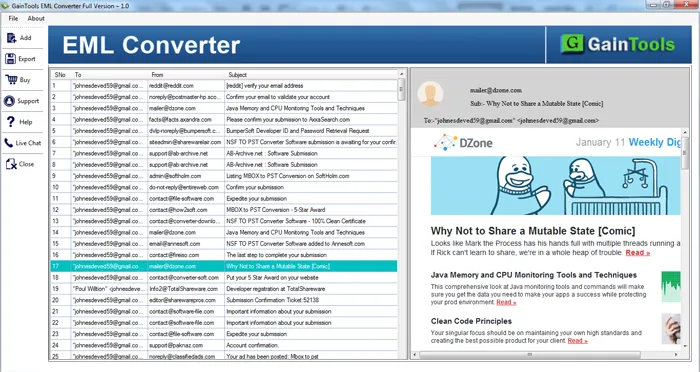
Get a complete display of selected EML files before the conversion.
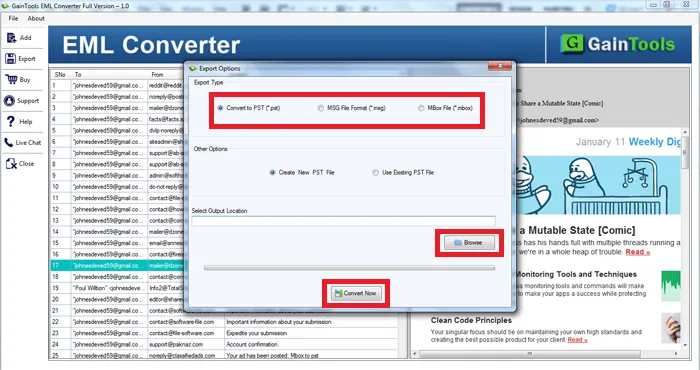
Select MBOX file format in Export Type.
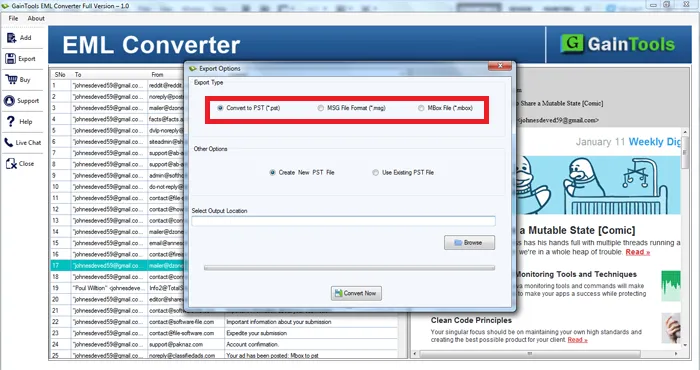
Choose a destination path to save the converted MBOX files.
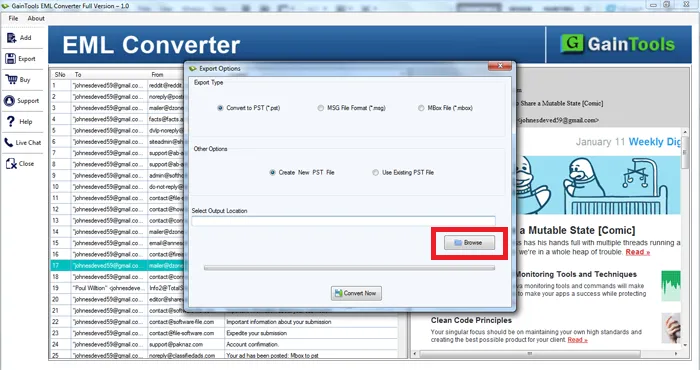
Move the mouse cursor to the Convert Now button. This will commence the conversion.
Know Minimum System Specifications to Download & Use the EML to MBOX Conversion App with Ease
Download a Trial - Take the tool to evaluate by converting 10 EML files.
Before getting this application, I had no idea that converting EML files to MBOX would be so simple. With an interactive GUI, a non-technical person like me could easily convert EML emails into MBOX file format with this application.
Mike Bryan UK
All my conversion requirements are easily fulfilled by the software. I got speedy and efficient conversion of EML files into MBOX with this application. Thanks team for such a perfect utility, nothing else is desired.
Chris Bracken Albania
I am very thankful to you GainTools software, it is really awesome. Now, all my EML emails from Windows Live Mail are safely exported to MBOX format. I have exported 2000+ EML files to MBOX with it in a short time period.
Michael Lee Belarus